Ask your documents anything.
See exactly where the answer came from.
Why people love Eno
Works with files you already have
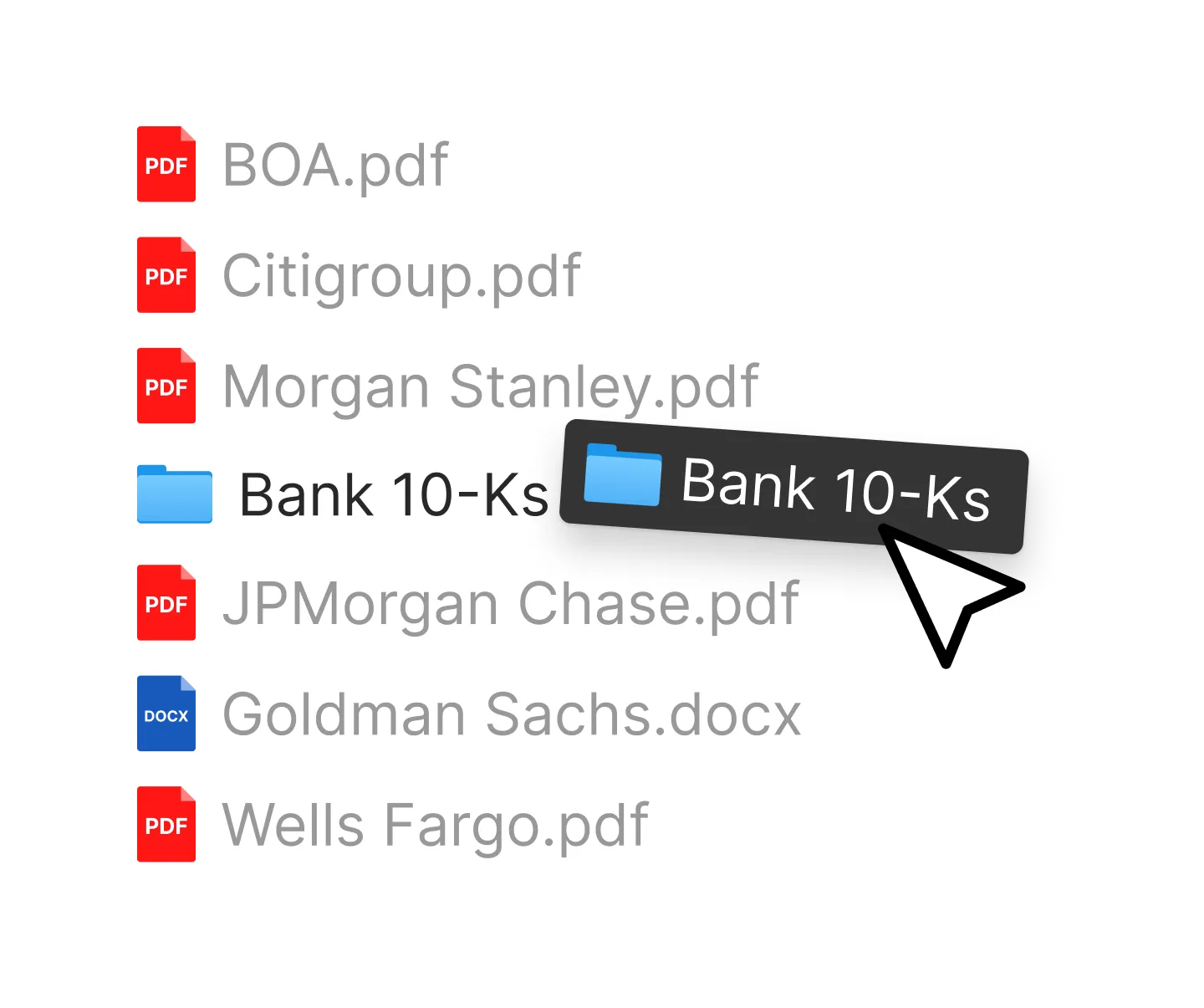
Local files and folders
Open files or whole folders already on your computer. Works with PDFs, Word documents, Markdown (.md) files, and Outlook emails (.msg).
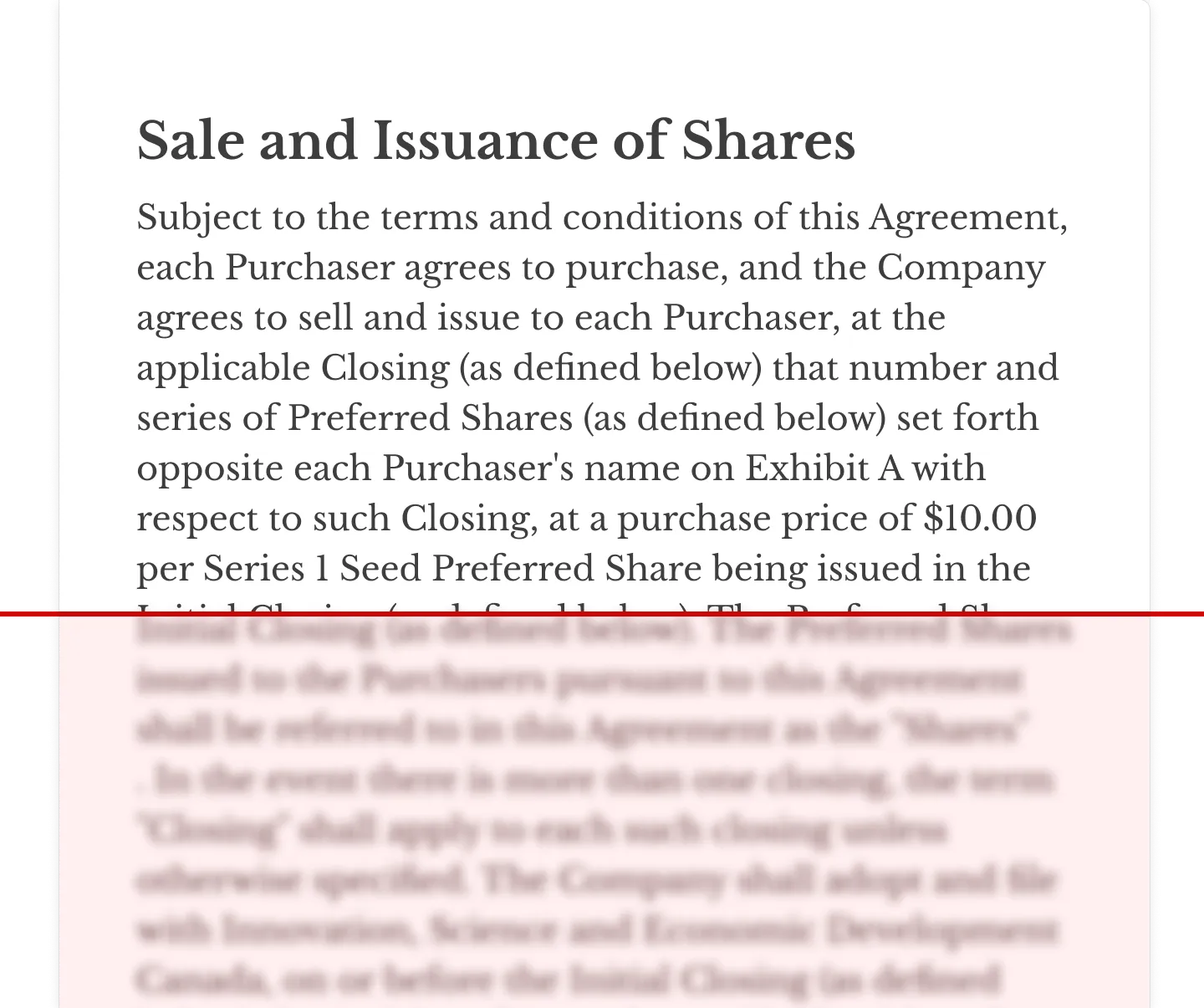
Scanned PDFs, searchable
Eno reads scanned pages, so you can search them like any other PDF.
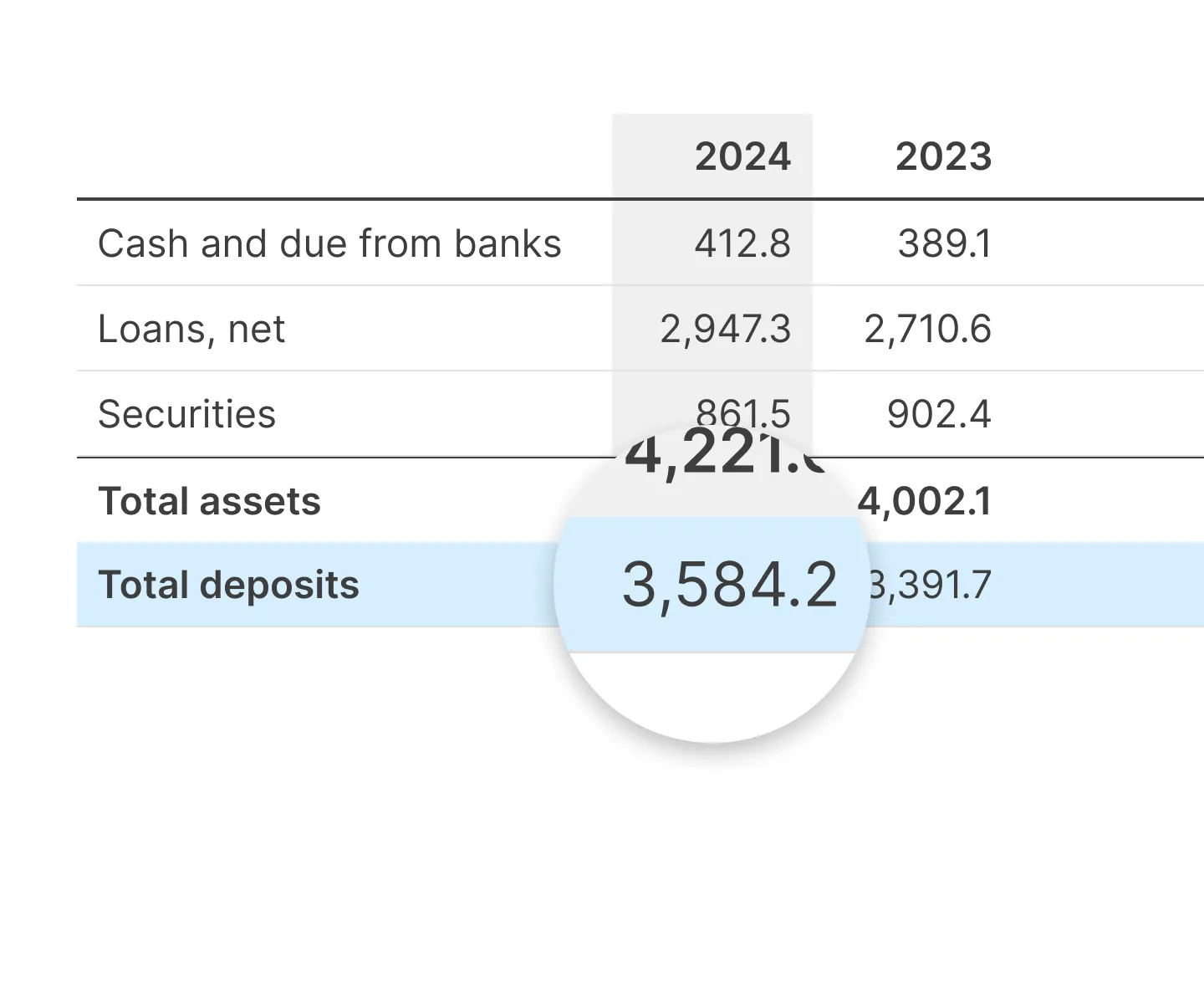
Tables are respected
Tables are parsed accurately so AI can find meaning in their structure.
Answers you can check
Show, Don't Tell
Ask questions, and Eno returns clear answers with visual snippets citing the source passage, so you can check claims in seconds.
Organize your workspace
Split your view as many times as you need, then drag tabs or search results wherever you want them.
Get answers from tables
Eno's AI reads table data when it answers your questions.
See how Eno stacks up against ChatGPT and Gemini Notebook.
Take the pain out of PDFs
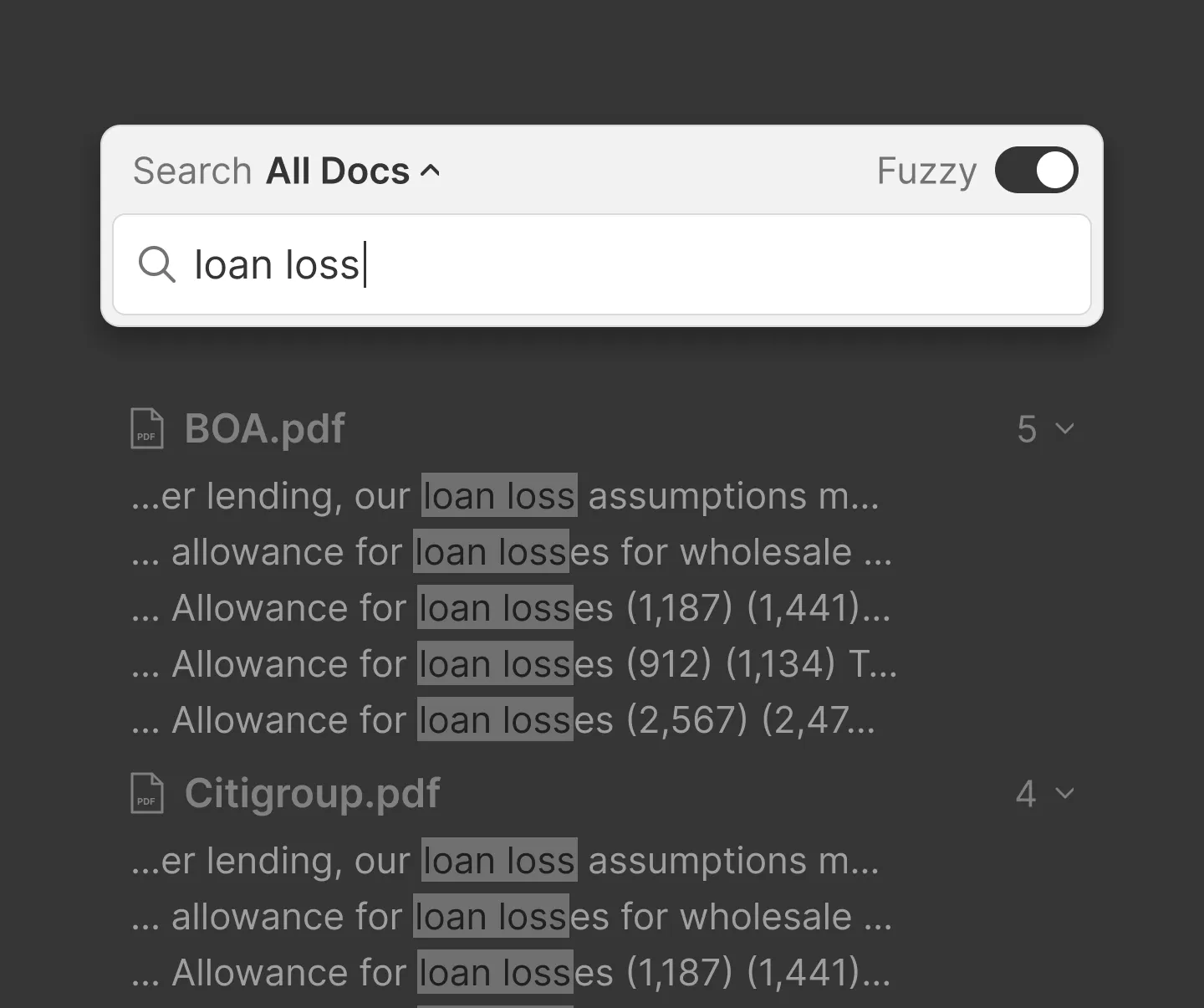
Search every document at once
Ctrl+F searches your whole workspace, not just the open file. Fuzzy matching catches typos and near-misses.
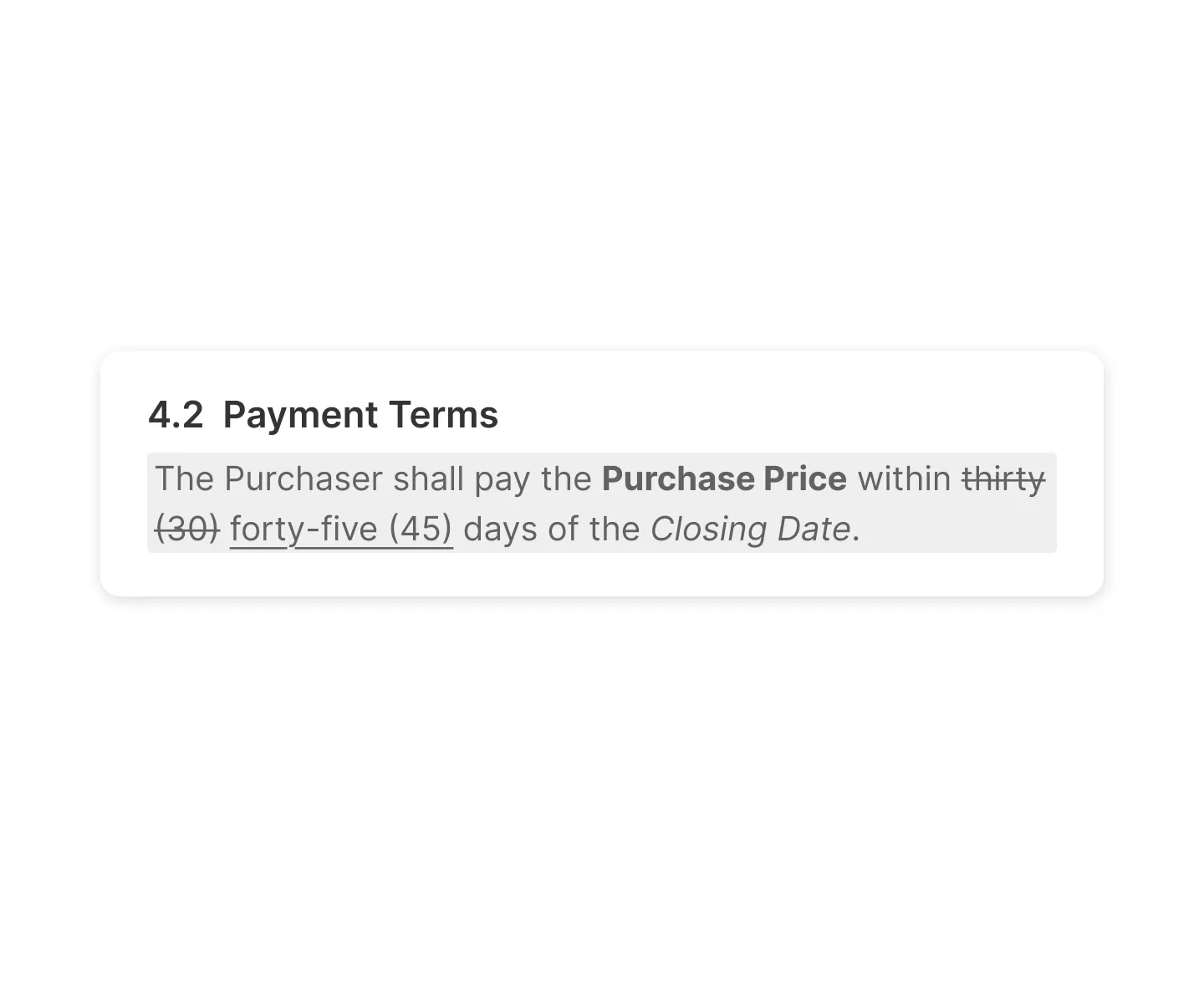
Copy without losing formatting
Redlines, bold, and italics survive the paste into Word or email.
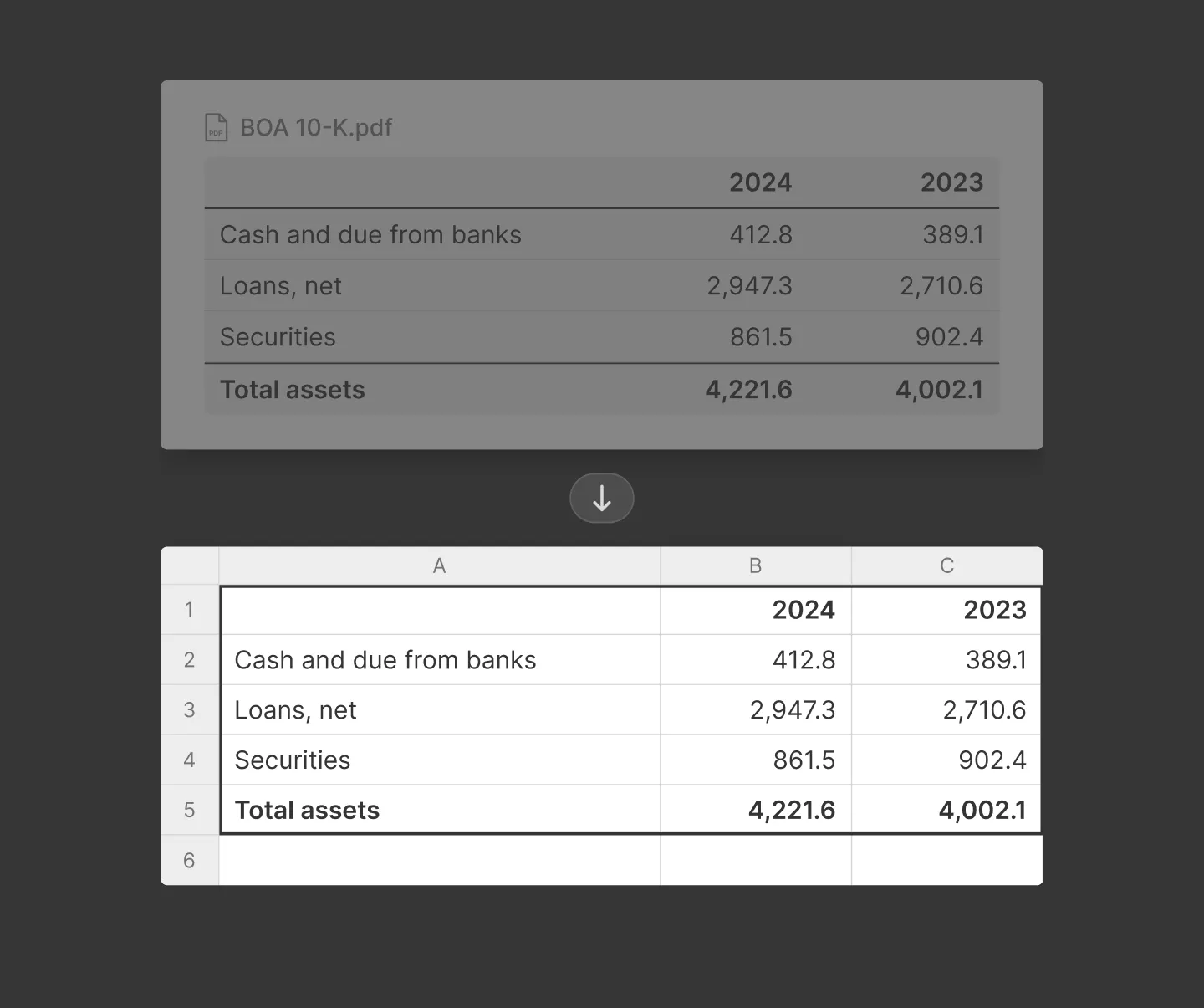
Copy tables from PDF to Excel
Tables keep their structure when pasted. Great for PDF-to-Excel workflows.
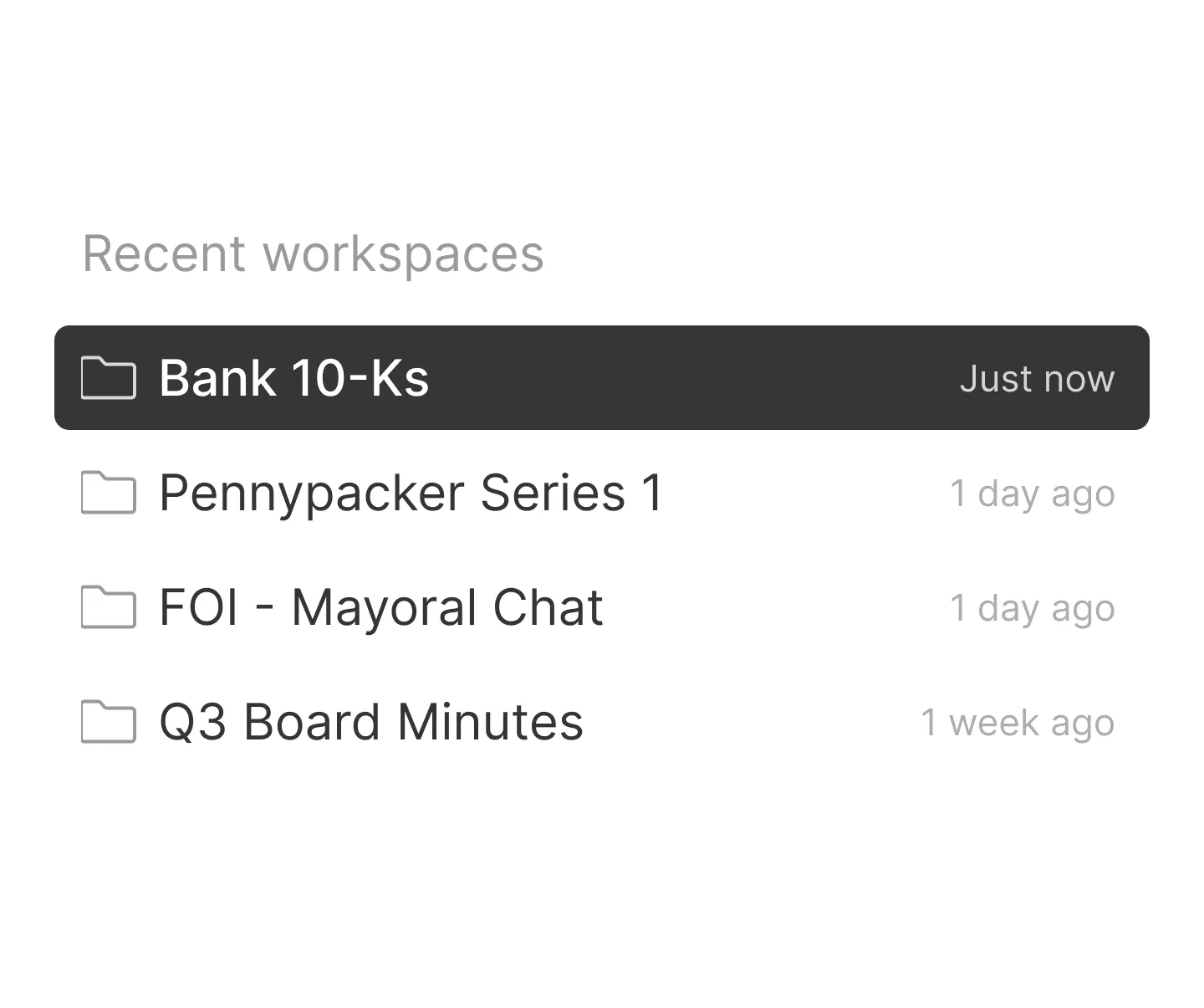
One workspace per matter
Keep each matter or project in its own workspace, with its own files and question history.
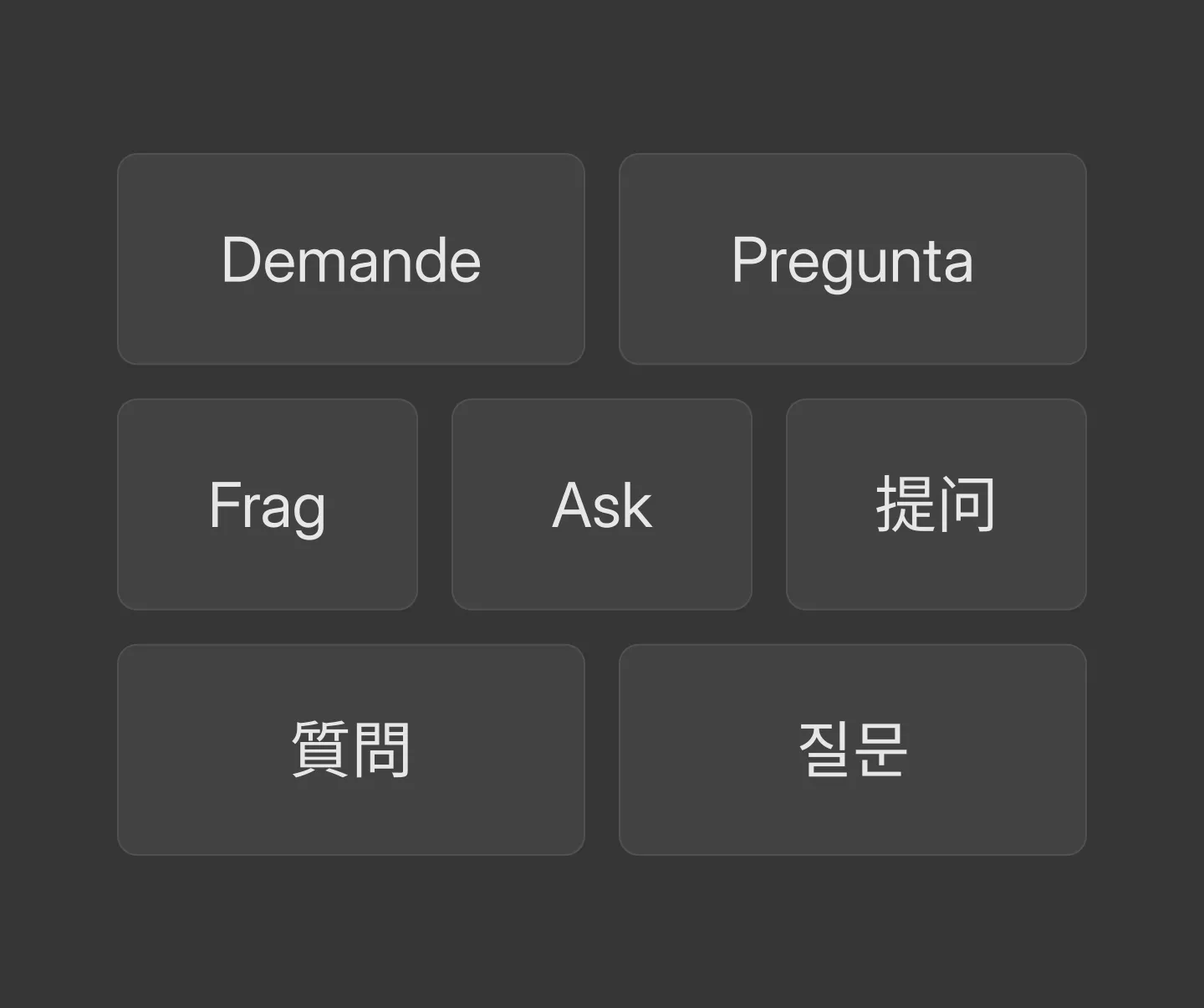
Ask in your language
Ask in English, Spanish, French, German, and more, with full support for Chinese, Japanese, and Korean characters.
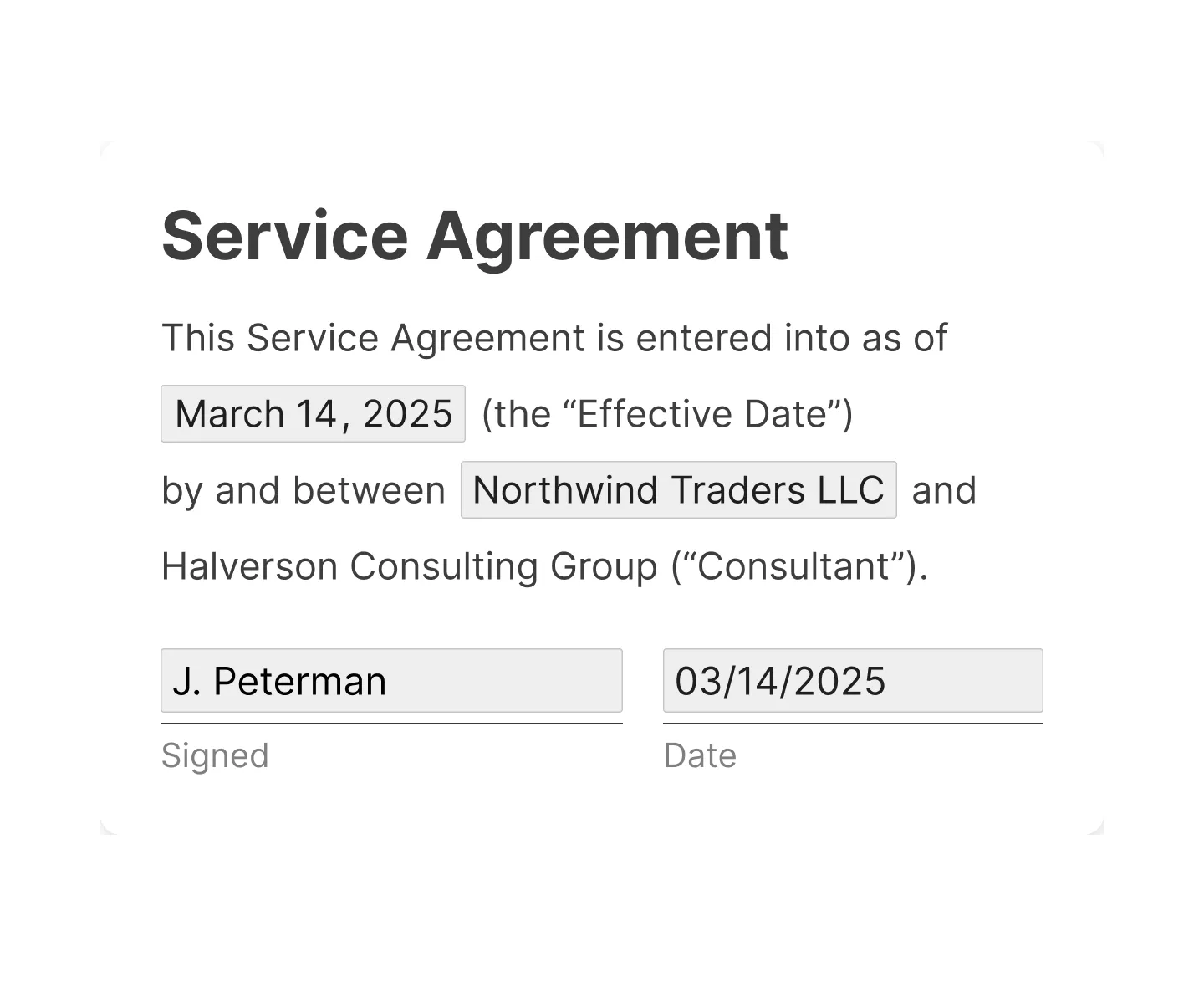
Filled-in forms you can search
Eno reads the values typed into PDF form fields, so names, dates, and amounts show up in search.
Security minded
Zero data storage
Eno does not store any of your documents in the cloud. Everything lives on your computer. Snippets of text are sent through Eno servers for AI processing, but no data is retained.
No model training
Eno does not train models with your documents. In fact, Eno cannot train models with your documents because it does not store them.
Enterprise security for everyone
All accounts, free or paid, include the same enterprise-level security. No compromises, no tiers.
We'll send you a link to install Eno on your Mac or PC

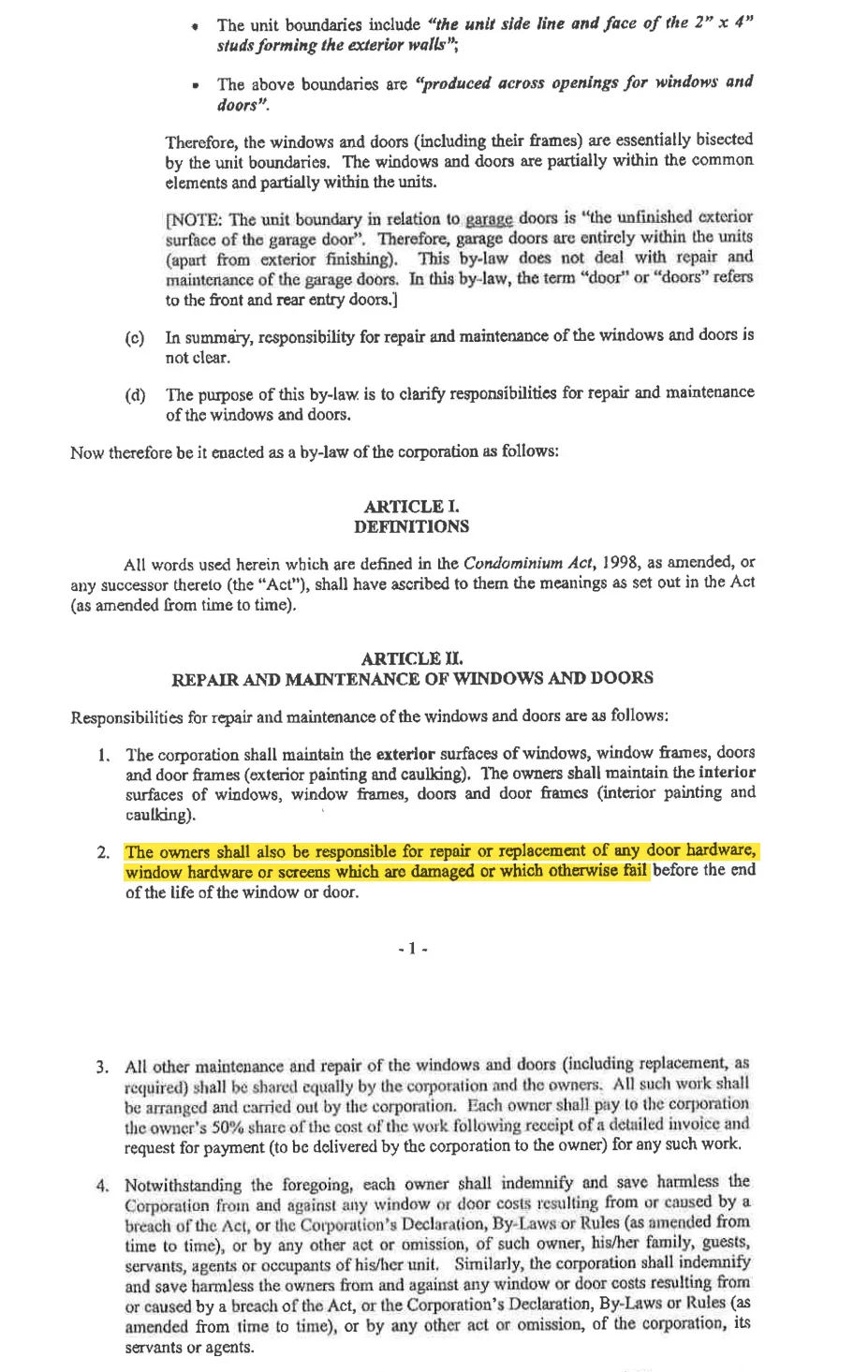
Who is responsible for replacing broken hardware on windows?
Reviewed 7 documents, found 1 section in 1 document
The unit owners are responsible for repairing or replacing broken or damaged window hardware that fails before the end of the window’s life.
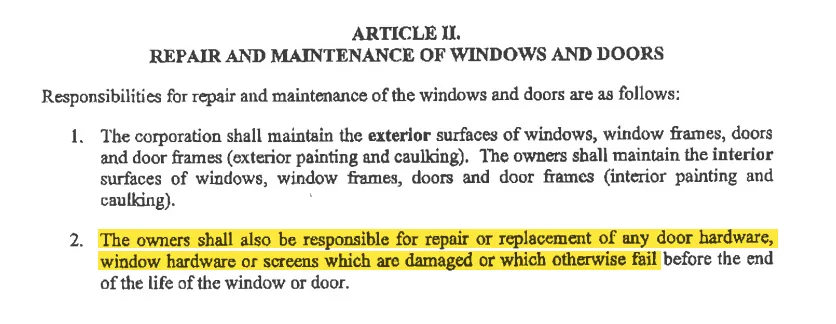
Explicitly assigns responsibility for repairing or replacing damaged or failed window hardware to the owners.
by-law-4 • p. 7