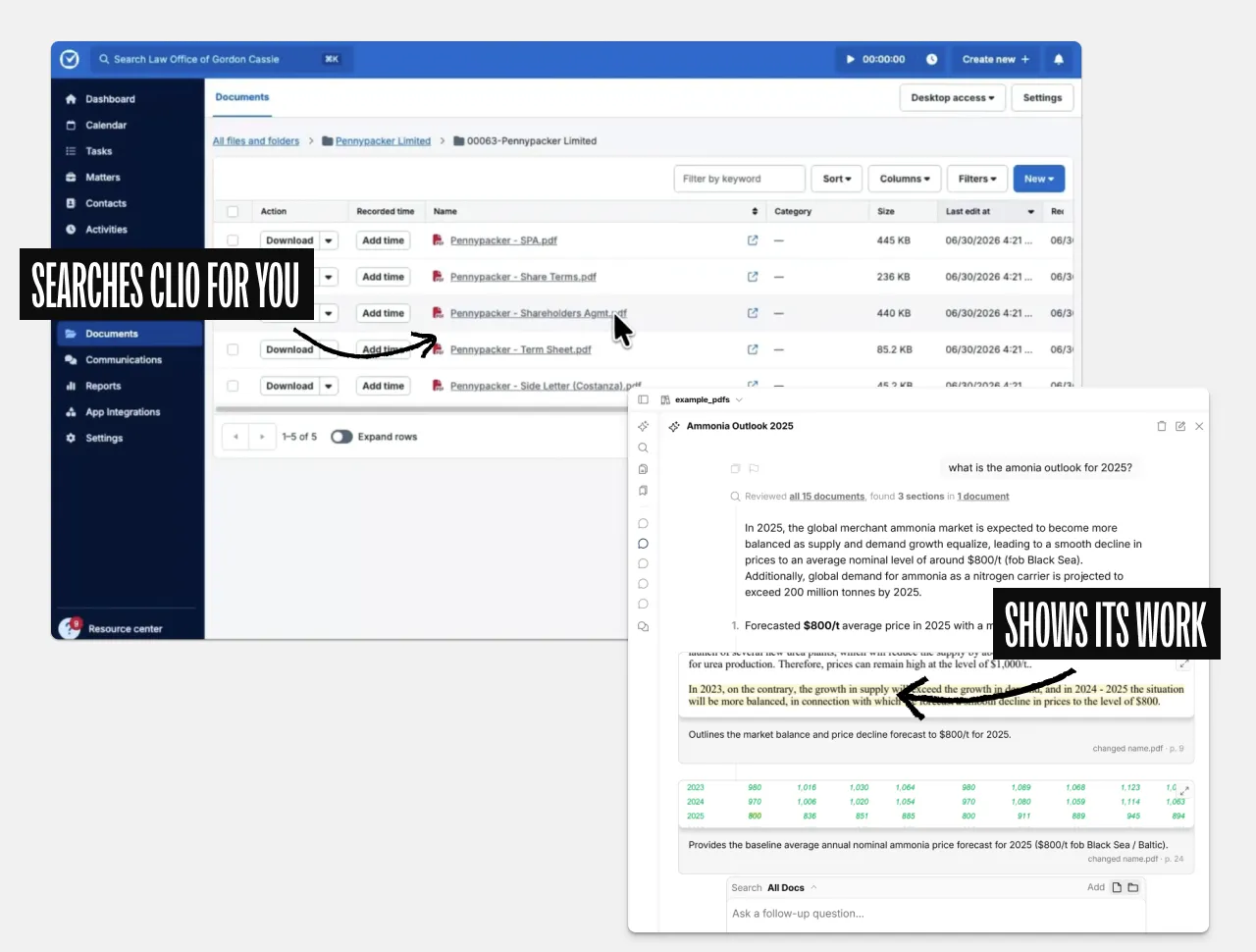
Evidence-Based AI that shows its work
Eno helps lawyers answer complex questions by searching documents in Clio and providing visual citations to support its claims.
We'll send you a link to install Eno on your Mac or PC

Why use Eno with Clio?
Eliminate hallucination risk
Eno grounds every response in the exact passage from your document, so you can verify each claim instead of trusting AI paraphrases.
Eno searches for you
Eno automatically searches Clio for the documents it needs to answer your question.
Keep documents safe
Eno runs locally on your computer so you don't need to upload files to another cloud service. It uses state-of-the art LLMs with zero-data-retention policies.
“Ask eno a question and it shows you the answer. It does not tell you. It saves you the time of searching, but leaves you to review and analyze the data yourself.”

John M.
Litigator
“eno excels at quickly surfacing the provisions I need to answer a question, even when they are spread across a complex set of corporate agreements. I love how I can read the exact text of the provisions, allowing me to complete my own analysis of how they operate.”

Lyndsey K.
In-House Counsel
Frequently Asked Questions
Which Clio product does Eno work with?
Do my documents leave Clio or get stored elsewhere?
Do I need a paid Clio or Eno plan?
How do I install and connect it?
We'll send you a link to install Eno on your Mac or PC

Who is responsible for replacing broken hardware on windows?
Reviewed 7 documents, found 1 section in 1 document
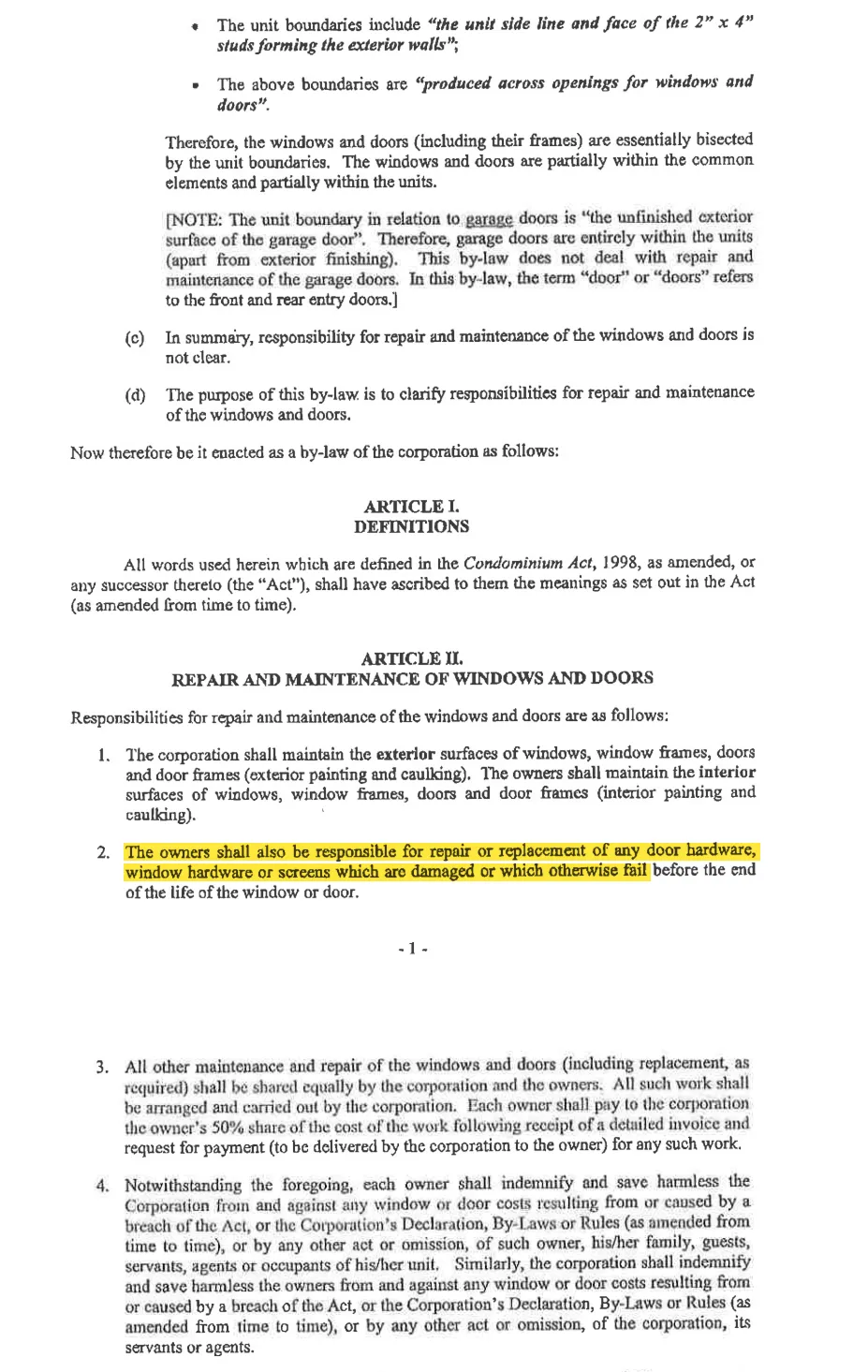
The unit owners are responsible for repairing or replacing broken or damaged window hardware that fails before the end of the window’s life.
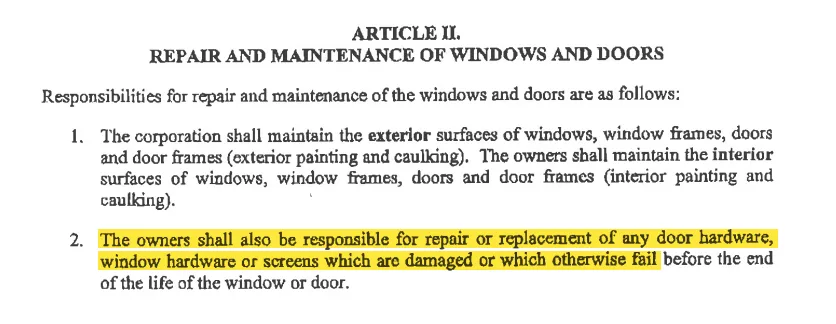
Explicitly assigns responsibility for repairing or replacing damaged or failed window hardware to the owners.
by-law-4 • p. 7